 FlowBook
One pipeline, from proposal to reported income.
Every deal in FlowBook moves through the same seven stages, so nothing gets billed twice and nothing gets forgotten between sales and accounting.
The seven stages
Scroll through a deal, from a fresh proposal to reported income.
Client & project setup
SetupAdd the client once — contact, location and platforms — and open the project against it.
Client & project setup
Add the client once — contact, location and platforms — and open the project against it.
Proposal sent
Build a proposal for the work and send it. It shows up in the pipeline as pending.
Proposal approved
The client signs off. Approved proposals are ready to become an invoice with one click.
Invoice created
Convert the approved proposal straight into an invoice — no re-typing client or line-item details.
Payment received
Record the payment against the invoice. Status moves to partially paid or paid automatically.
Accounting entry posted
The invoice and payment post as balanced journal entries to the chart of accounts — no manual entry.
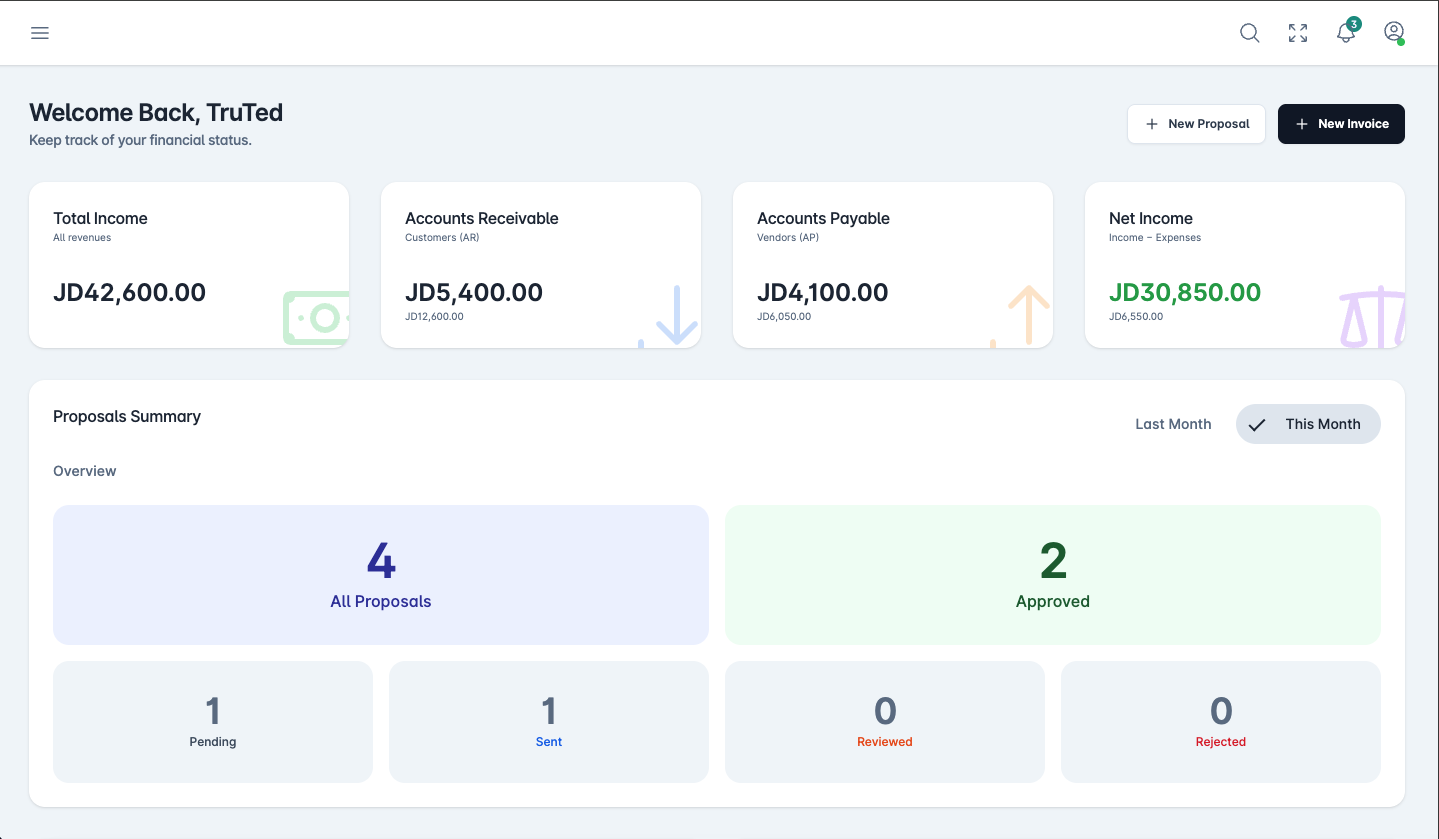
Reporting & dashboard
Income, receivables, payables and net income update on the dashboard the moment the entry posts.
Nothing sold goes unbilled
Every approved proposal is one click away from becoming an invoice.
Bottlenecks stay visible
Pending proposals and unpaid invoices are visible to the whole team, not buried in someone's inbox.
Books that close themselves
By the time an invoice is paid, the accounting entry already exists.
Map your process to FlowBook.
Every business works a little differently. Let's talk through yours.
Request a demo →